

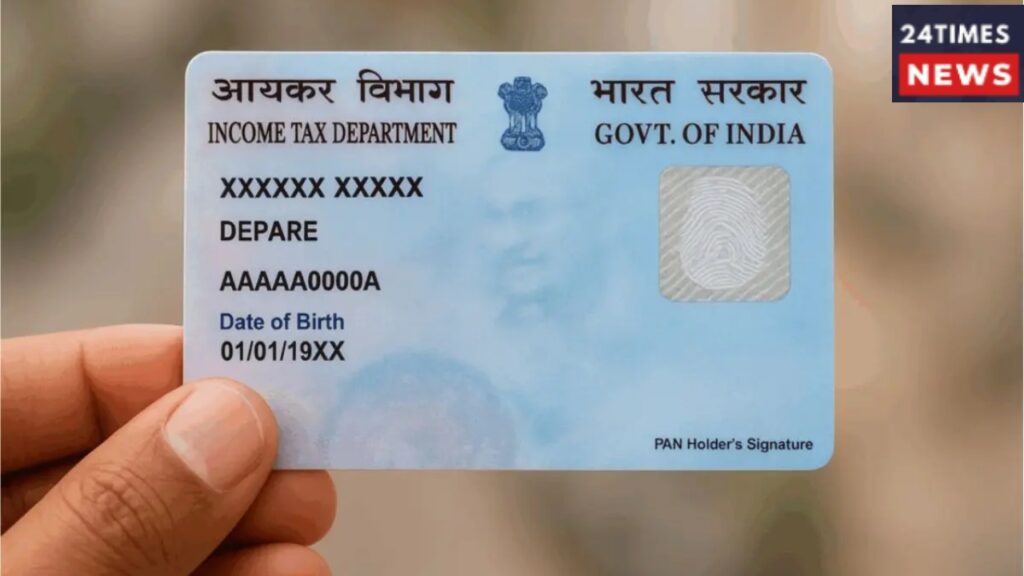
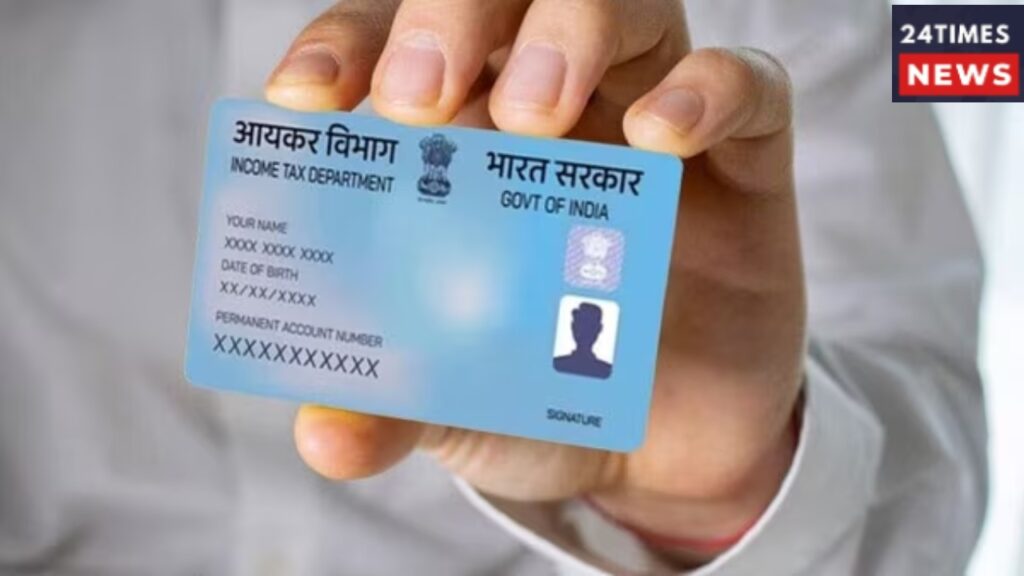
ITR Updates: The process of filing Income Tax Returns (ITR) is currently in full swing. If you haven’t filed your ITR yet, do not delay; the procedure is simple and hassle-free. You likely know that documents like a PAN card are essential for filing income tax. If you do not have a PAN card or if there are discrepancies with it, you may face difficulties.
A PAN card is a crucial financial document; ensuring it is in order saves taxpayers from unnecessary trouble. If you obtained your PAN card on or before July 1, 2017, it is mandatory to link it with your Aadhaar card. Linking the two ensures a smooth experience moving forward.
Linking via the Portal
The Income Tax Department allows both registered and unregistered users to link their PAN and Aadhaar cards through its official portal. The process is straightforward and can be completed online in just a few steps. Before using this service, ensure you have a valid PAN, an Aadhaar number, and a valid mobile number.
Step-by-Step Guide
The PAN-Aadhaar linking process involves two simple steps. First, you must pay the required fee via the Income Tax e-filing system. Once the payment is verified, you can submit a request to link your Aadhaar card with your PAN. To pay the linking fee, visit the Income Tax portal and click on ‘Link Aadhaar’ under the ‘Quick Links’ section.
If you are logged in, you can also easily find this option in the ‘Profile’ section. Enter your PAN and Aadhaar numbers, then click on ‘Continue to Pay Through e-Pay Tax’. Next, you will need to re-enter your PAN to confirm it and provide a mobile number to receive an OTP. After verifying the OTP, you will need to navigate to the ‘e-Pay Tax’ page. Select the correct assessment year or financial year, choose the payment type, and then select ‘Fee for delay in Linking PAN with Aadhaar’. The payment amount of ₹1,000 will be pre-filled. You can then complete the payment using your preferred method. Once the payment is successful, you can submit your linking request through the portal.
What to do after the payment is successful?
Next, you need to log in to the Income Tax e-Filing portal.
Then, go to the ‘Profile’ section on the dashboard and click on ‘Link Aadhaar’ under the ‘Link Aadhaar to PAN’ option.
You may also find this option within the ‘Personal Details’ section.
Enter your Aadhaar number and click on ‘Validate’ to submit your linking request.
After this, go to the Income Tax e-Filing portal and click on ‘Link Aadhaar’ in the ‘Quick Links’ section.
Enter your PAN and Aadhaar number, then click on ‘Validate’.
Fill in the required details and select ‘Link Aadhaar’.
In the subsequent steps, enter the 6-digit OTP sent to your registered mobile number and click on ‘Validate’.
Once this process is complete, your PAN-Aadhaar linking request will be successfully submitted.